Week 6 was about editing within premier pro and how the program works as well as general workflow improvements.
One of the important things that we went over in the PDF attached was backing up data. Our media drive will backup all of our data everyday however you do not want to be working off of the media drive. This means when you take the videos and audio you will need to back it up onto the media drive right away, this means the data is always backed up. It is also recommended to have any safe data on 3 drives. One on the computer its self, one on an external hard drive or usb stick and another kept in a separate location. This is in case the location you are at has a flood/fire. My photos and notes are all backed up onto Google Drive/Photos as I create them. As for videos I will be taking during the project I will back these up to my computer, hard drive and university media drive. I do not want to use Google Drive for this as they files will be very large and I would need to pay for more space.
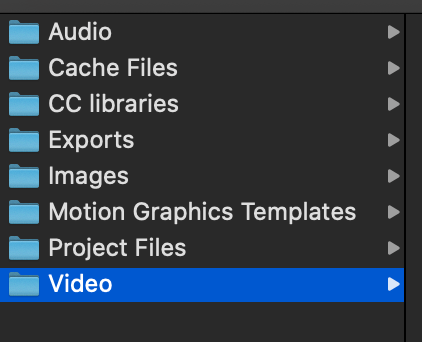
It is important to sort all files into the correct folders so they can be found easily. This is how I sorted my file structure.
 Hazel's Documentary Blog