This week I spent my time making the documentary as well as finishing off all the documents and files needed. This is how my finished documentary timeline window looked.
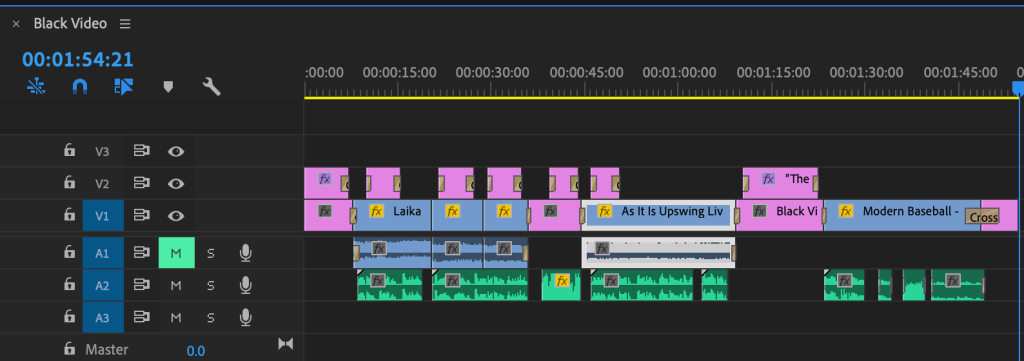
I was struggling with the computer I had to edit the footage I had. The more things I added to the timeline the slower everything became and the playback kept dropping frames. This made it more and more difficult to edit as the project got longer and longer. In the bottom right hand side of the playback window I saw that I was able to edit the playback quality, I set this to the lowest I could which was 1/4. Another way I got around some slowdown was by adding the transitions and text as the end of the project, I assumed this made it easier for the computer to deal with workload as there was not as much going on on the screen at once.
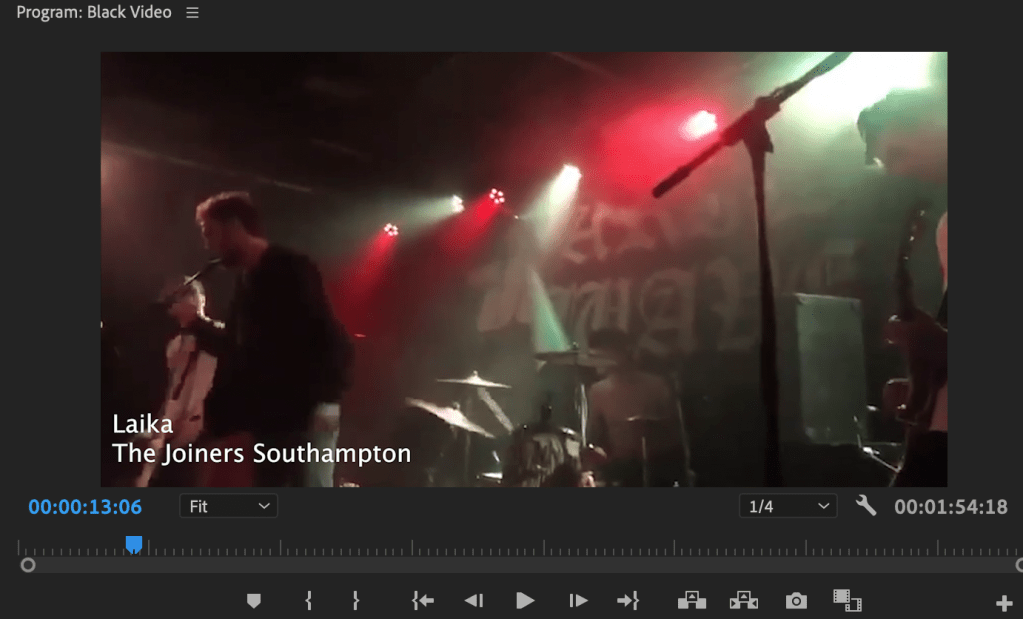
The Combination of only being able to use archival footage and having issues with the editing and playback of the project made this very frustrating to deal with. However I did what I could with the resources I had available to me at this time.
To record audio I used audacity and my built in webcam microphone. I was planning to use some of the microphones I use for my music work however I do not have these with me at this time so I had to use what I had available to me at the time.
Overall I wish I could have gone with the original project however I understand that it would not be possible in the current situation. That project would have had a lot more substance and being at university I would have been able to edit on a computer that was more capable.
 Hazel's Documentary Blog